September 2026: Introducing Starter
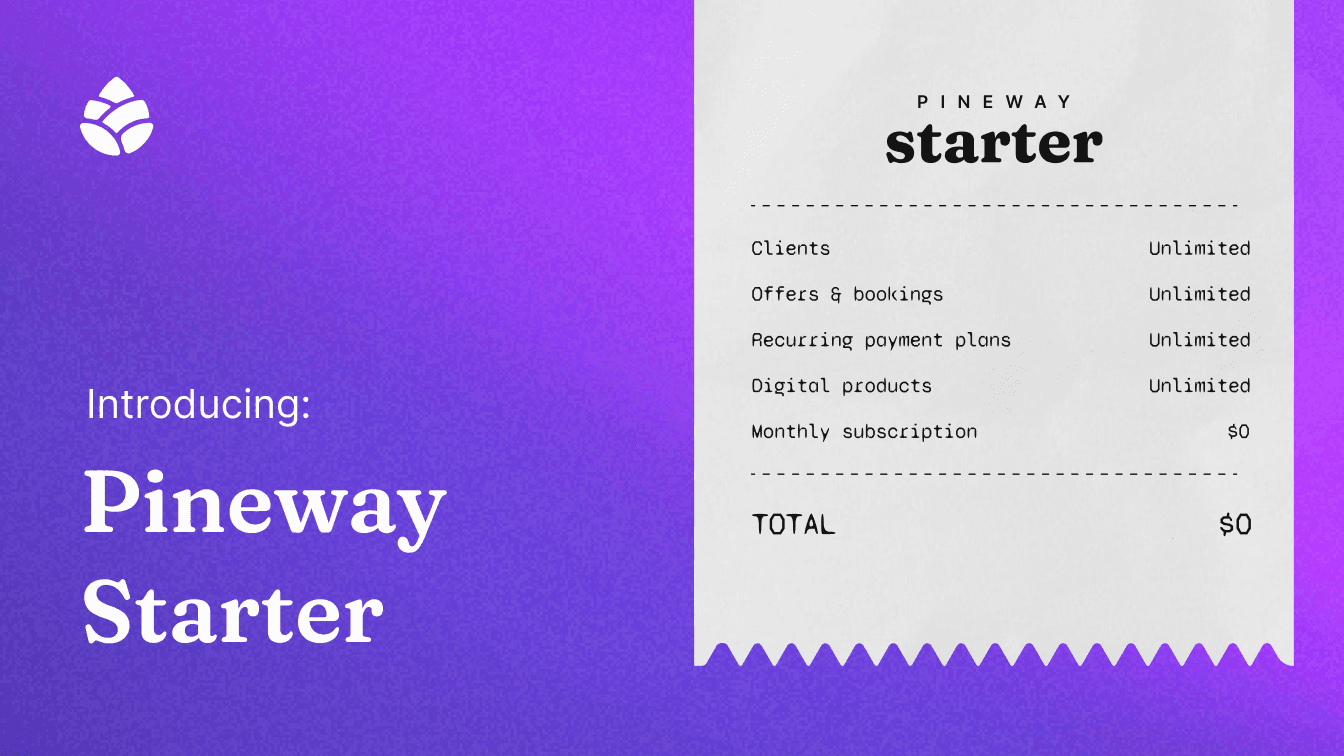
Your business deserves room to grow before it takes on a monthly bill. This September, we're introducing Starter, a new way to build your business on Pineway for $0/month. Create your page, share your offers, welcome clients, and start taking bookings without a monthly subscription.
We've also made it easier to move from Paperbell, invite clients into monthly Plans, shape your booking schedule, and keep people updated after a session.
Meet Starter: $0/month, with room to grow
Starter gives you unlimited clients, offers, bookings, products, and links. You can put your work in front of clients and keep building as more people find you, without watching a monthly subscription clock. Starter also includes 20 smart form generations each month, access to Pineway's AI tools with Starter limits, and 5GB of storage.
There is no monthly subscription on Starter. A 3% Pineway fee applies when you make a sale, alongside payment processing fees. When you want more AI capacity and storage, Core is $49/month with the same 3% Pineway fee, and Pro is $99/month with no Pineway fee. You can compare all three plans during onboarding or whenever you're ready to change plans.
Core and Pro now give you another way to make your client experience your own: you can hide the Pineway badge from your public page and the forms you share. Look for Hide Pineway badge in your account settings.
Let clients join a monthly Plan from a link
Last month, we introduced Plans for work that continues month after month. Now you can share a Plan link and let clients join on their own, making it easier to welcome a growing group. If a client asks to leave, you'll receive a request and can decide whether to keep them on the Plan or remove them. You can remove a member yourself, too, while keeping their previous payments available.
To invite someone, open Plans, choose an active Plan, and select Share to copy its link.
Bring your Paperbell work across
Moving from Paperbell? You can now bring packages across from your public Paperbell shop or a direct package link. Preview what Pineway finds, choose the packages and sessions you want, and check the resulting draft offers before publishing them. Your Paperbell shop needs to be public and your subscription active for the packages to load.
You'll find Import from... under New offer on the Offers tab. You can bring your client contacts along by exporting a CSV from Paperbell and uploading it from Clients.

Set the pace for each offer
Give each offer a schedule that fits the work. Last month, we introduced buffers and start-time increments for your whole profile. Now you set them on each offer instead, giving you more flexibility and convenience. You can leave a buffer before and after its sessions, choose how often clients see available start times, and set a daily booking limit. These settings give you more control over the pace of your calendar, whether you need breathing room between deep sessions or have space for several shorter calls. Open an offer's Offer settings to make your choices.

Keep clients updated after a session
When you share a client note, Pineway now emails the client a link so they know it's ready to read. The email does not include the note itself. If you share a note by mistake, you have a short window to select Undo before the email is sent. The note returns to private, and the client won't receive a notification. See the client notes guide for details.
Paystack withdrawals have also become simpler. After you request one, Pineway initiates the transfer automatically and emails you as the payout progresses. You can follow the amount under Income.
A few more changes you may notice
- If you no longer want marketing emails, you can unsubscribe using the link in an email.
- You can choose Accept all or Only required on the new cookie banner and revisit your cookie preferences later.
- Checkout is more reliable for forms with many questions.
Whether you're publishing your first offer on Starter or bringing an established practice across, these updates give you more ways to make Pineway your own. We'd love to hear what you think through Help & Support in your dashboard.